
SketchBot wins 1st Place for Best New Product at IAAPA awards!
Universal Branded Takeaway Templates
Compatible with Dream Studio, Local, and Local Caricature Modes
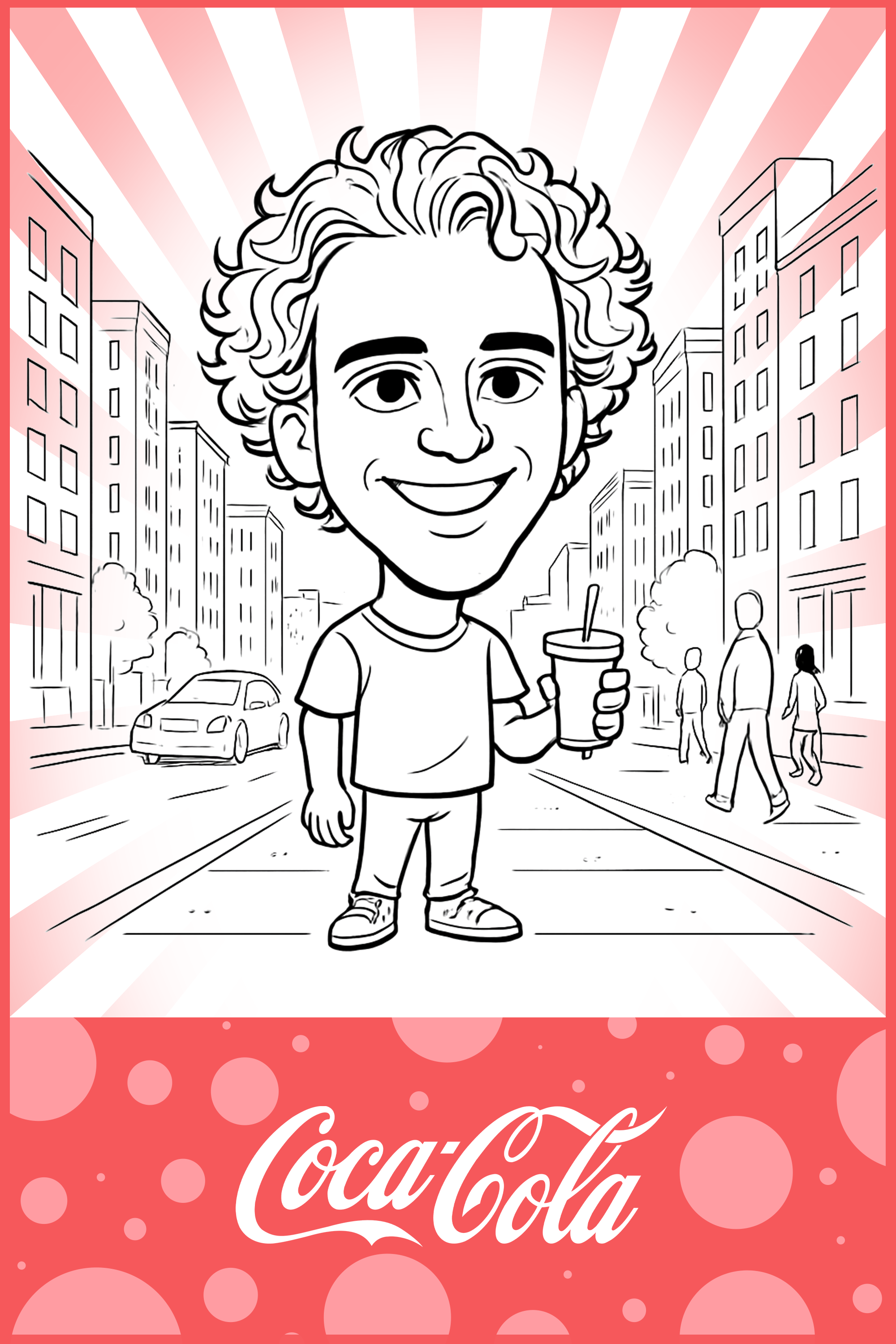
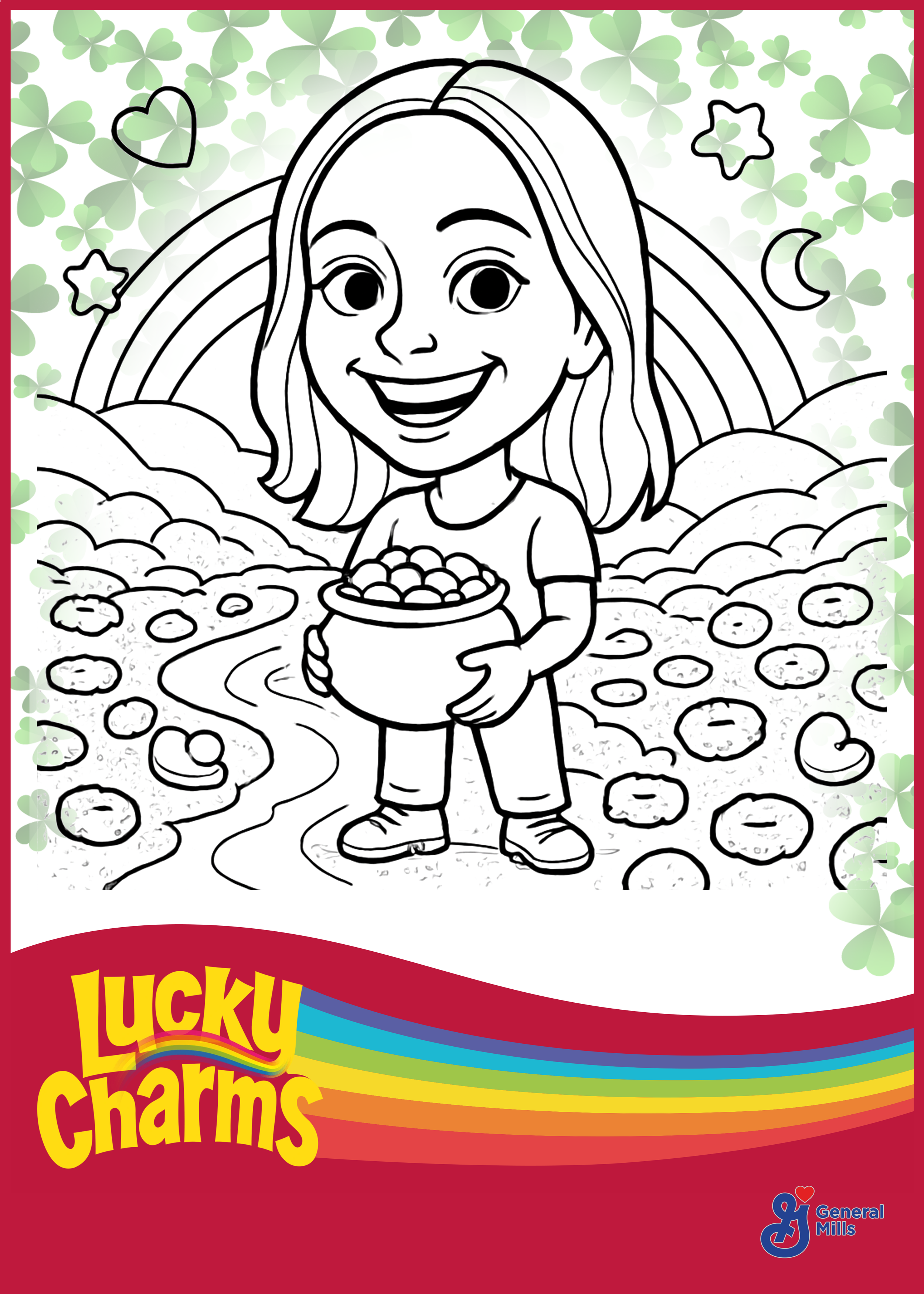
4x6 Template
5×7 Template
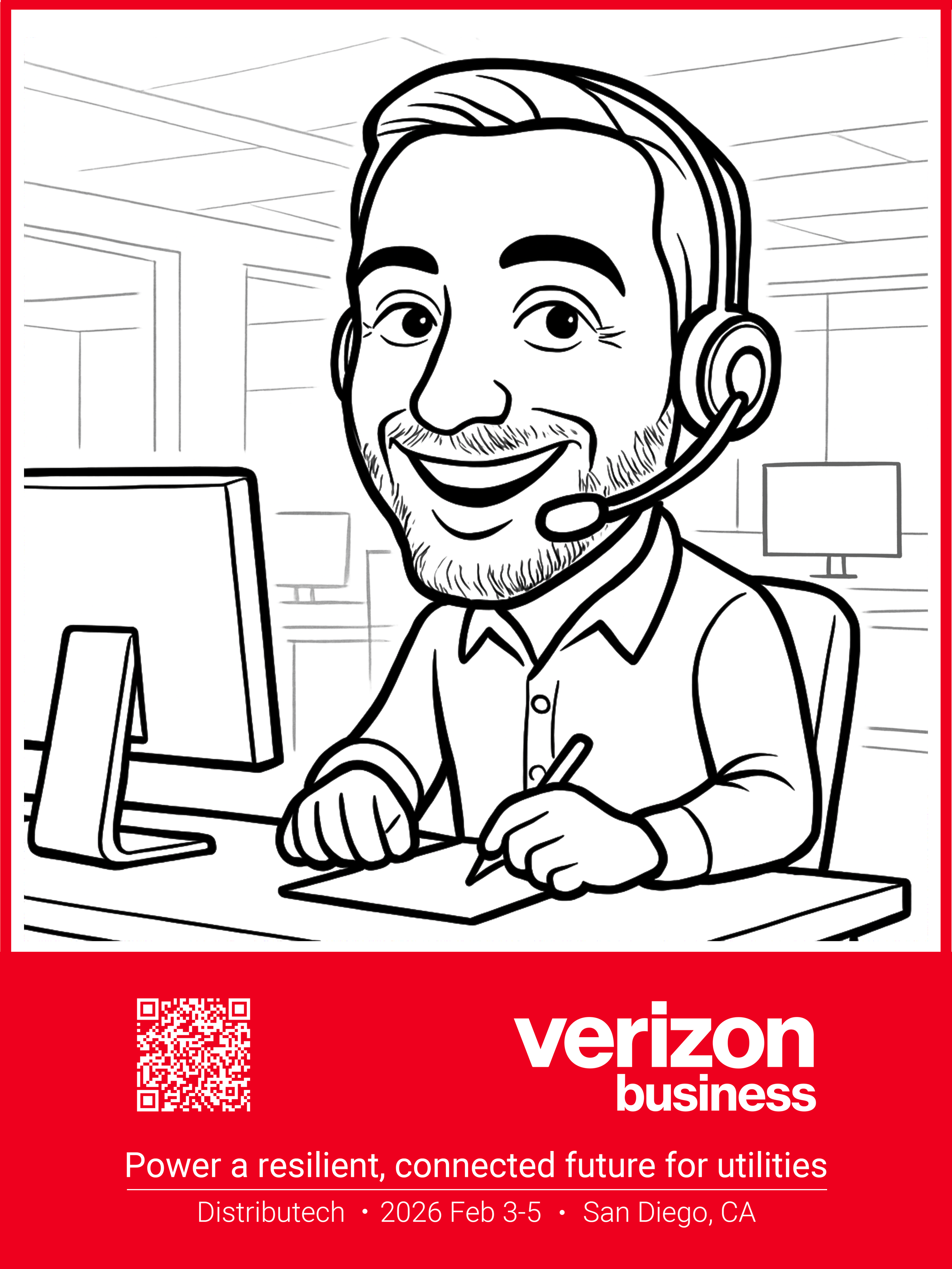
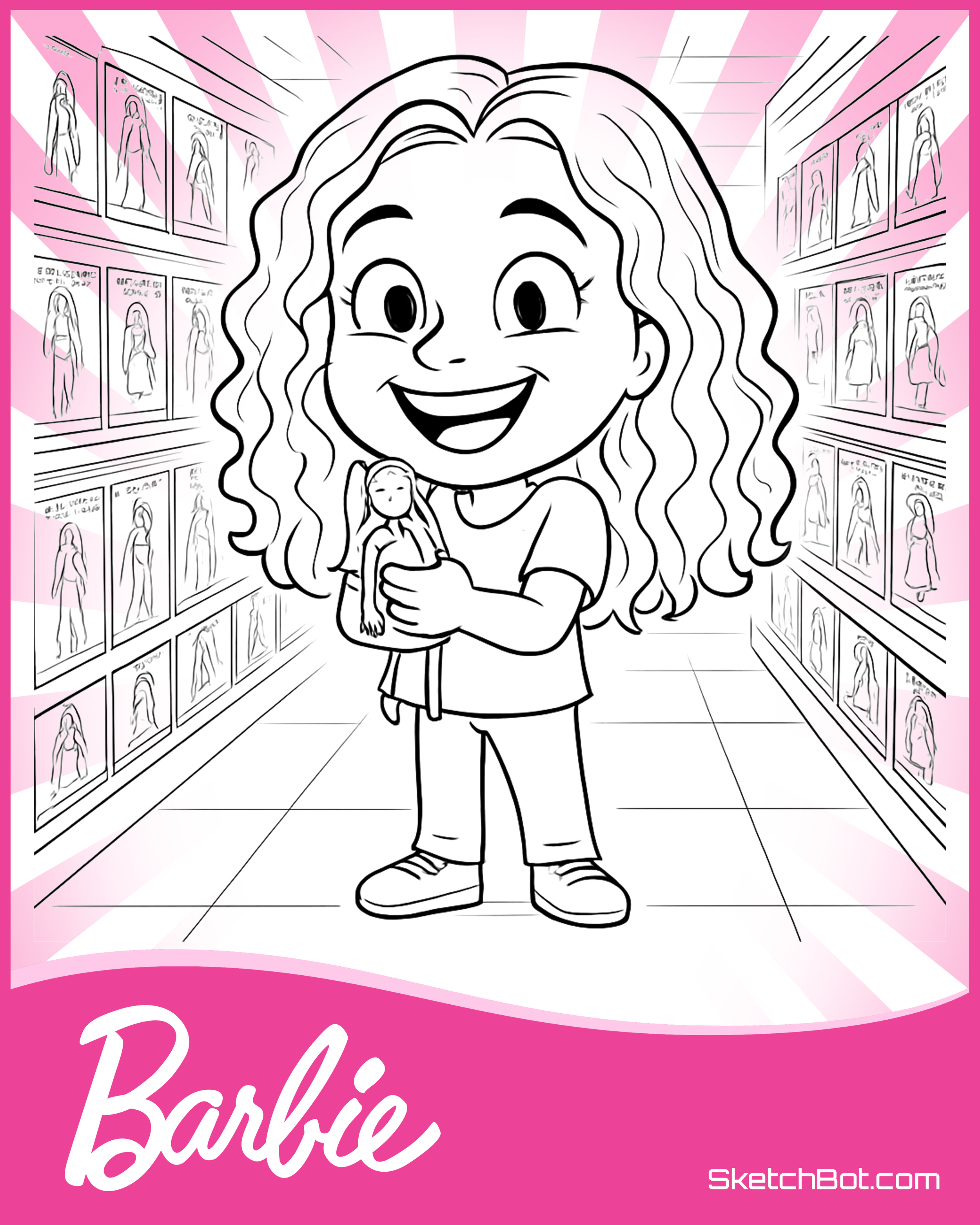
6×8 Template
8×10 Template
8.5×11 Template
A6 Template
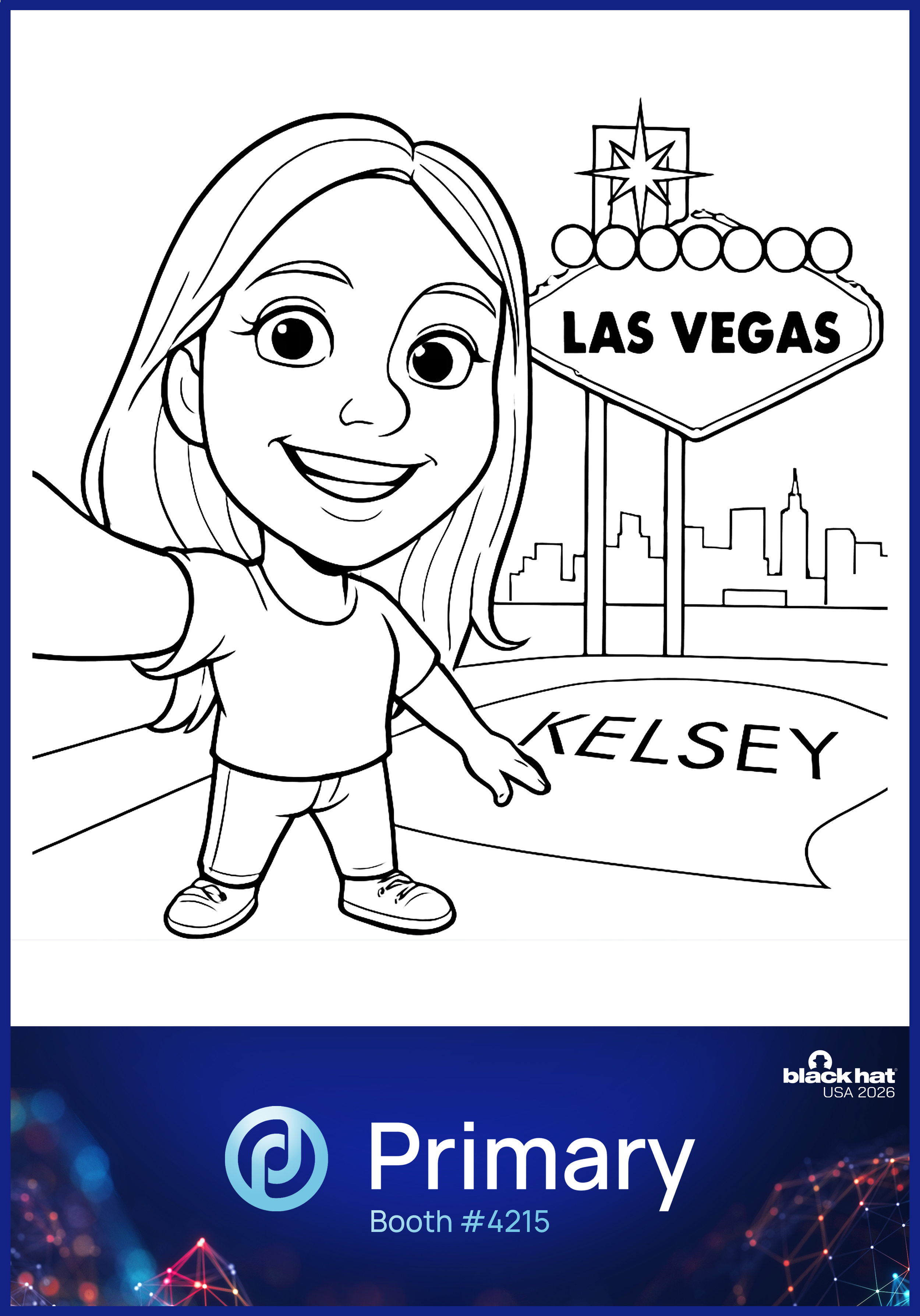
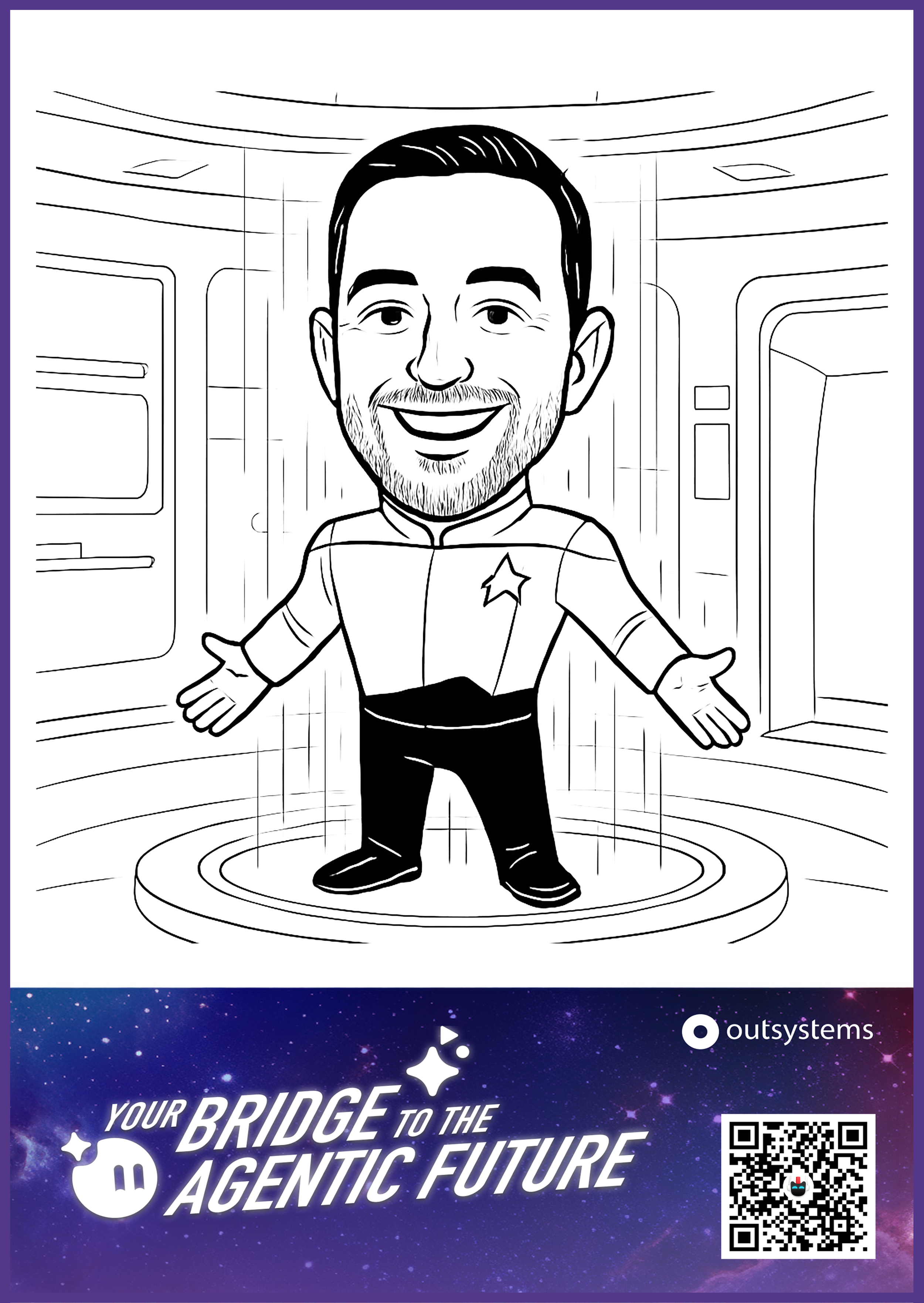
A5 Template
A4 Template
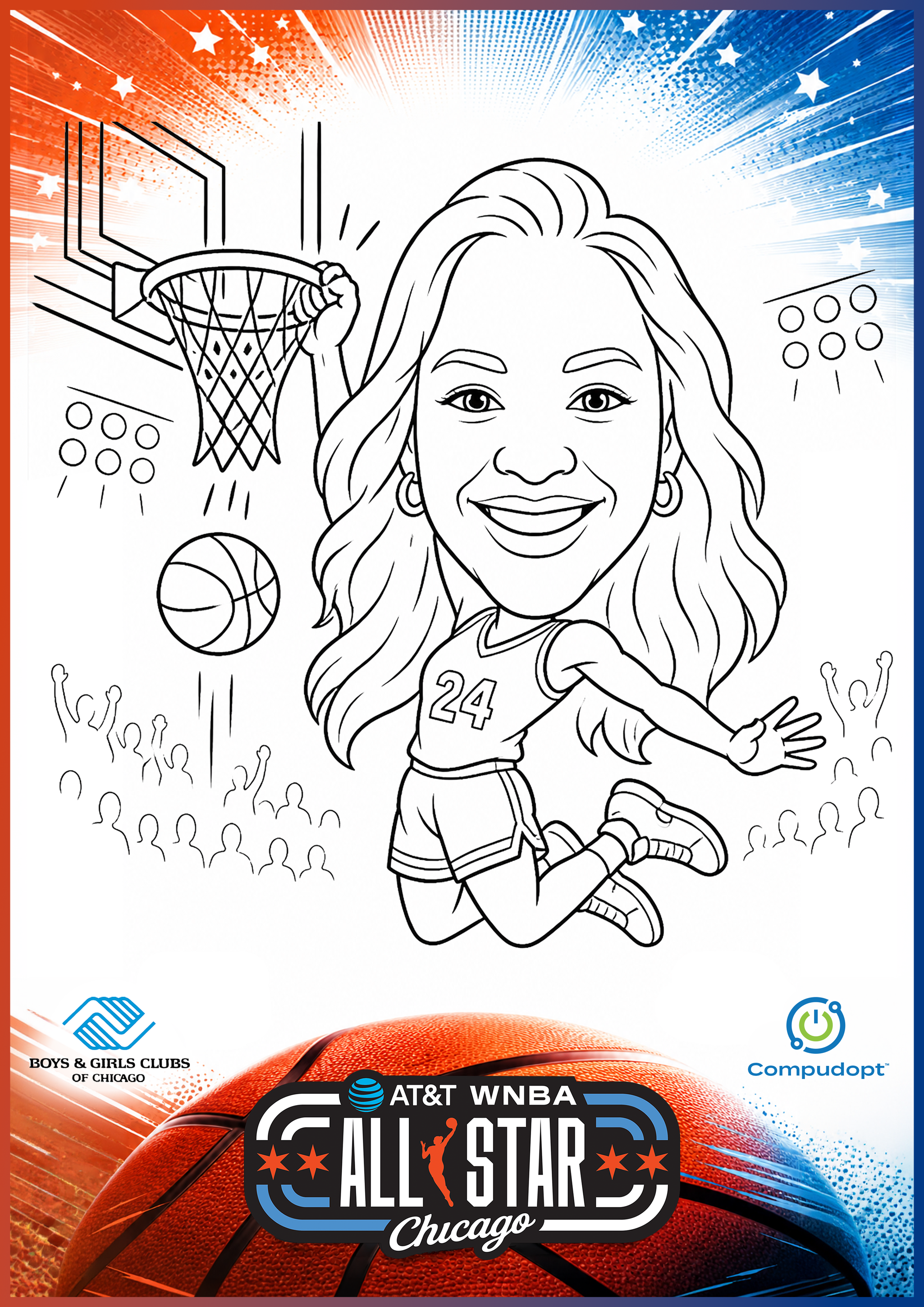
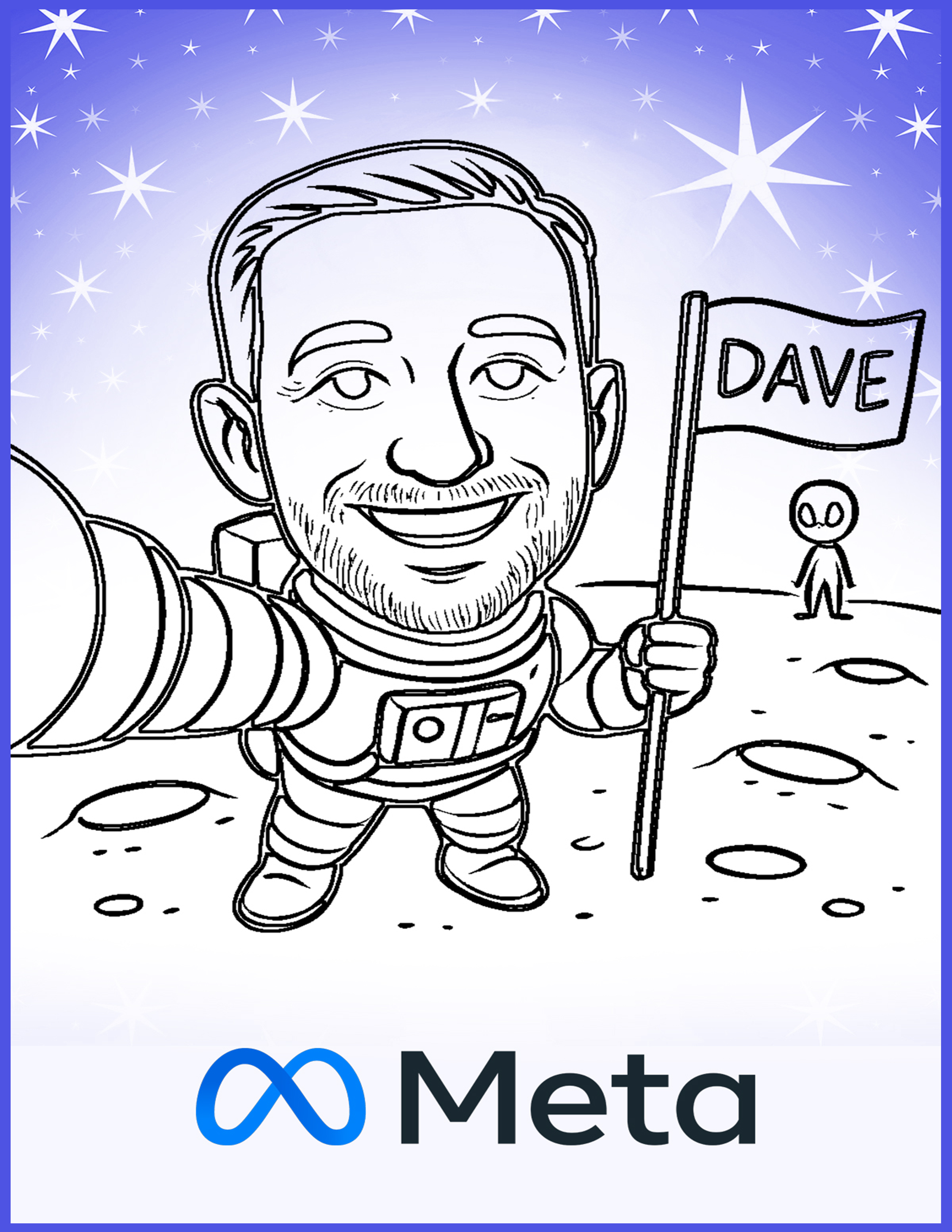
Canva Design
1. IMPORTANT: Once the template is open, click File > Make a copy to create a duplicate design for editing.
2. Add your branding or graphics to the footer, making sure to keep all elements within the provided guidelines. TURN OFF any guideline or example layers.
3. Export as a high quality JPG or PDF & print!
Photoshop Document (.PSD)
1. Add your branding or graphics to the footer, making sure to keep all elements within the provided guidelines. Keep items within the pink group for Dream Studio Mode, and within the yellow group for Local Caricature Mode.
Optional: Add graphics to the top section, making sure that they are light enough for the sketch to show up on top.
2. TURN OFF any guideline or example layers.
3. Export as a high quality JPG or PDF & print!
Don’t want your branding pre-printed? Let the SketchBot draw it for you! Learn how here.
Questions? We’re happy to help.
Get in touch here.